
Do you ever find that the units on your Flownex input don’t match what you’re inputting? But you don’t notice until you’ve already typed in the value? There’s a trick to avoid redundant typing! After typing in our input we simply hold CTRL while changing the unit.
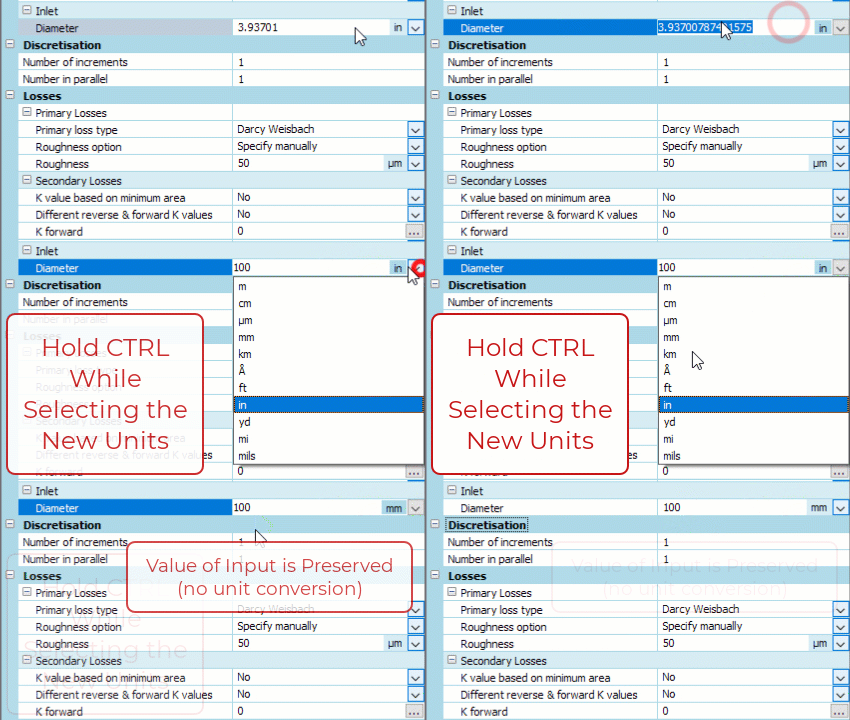
Here’s what it looks like if we hold Ctrl while choosing a new unit for a diameter input.
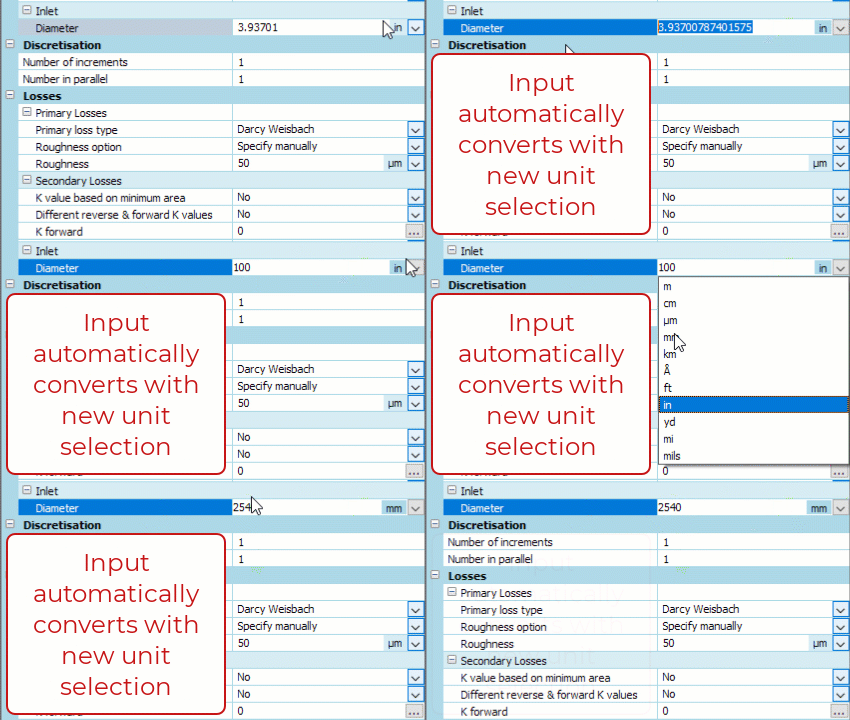
If we instead choose the unit while not holding Ctrl we see the units convert automatically.
If you’re more of a keyboard commando and like to avoid mouse-clicks we can also type in the units ourselves.

Some helpful keyboard shortcuts when entering units for areas, volumes, etc…
Alt + 0176 = ° (Superscript “0” used for degrees)
Alt + 0178 = ² (Superscript “2”)
Alt + 0179 = ³ (Superscript “3”)
Other Useful Input Keyboard Shortcuts
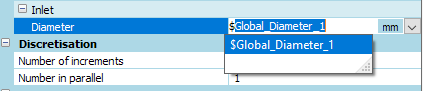
We can specify that an input is a global parameter by using “$” in the property input. Here is another blog post that goes into more detail on how to get the most out of Global Parameters.